Hitting n8n Cloud limits or tired of paying for capped executions? Moving to self-hosted gives you unlimited runs and full control—just make sure you back up before you cancel so nothing gets lost.
You can migrate workflows via copy-paste or JSON exports, but credentials never transfer. Below is a safe, step-by-step process to back up, cancel, and get running self-hosted without surprises.
Back up your workflows and export JSON before you touch cancel—credentials will not transfer.
TL;DR:
- Back up workflows first via copy-paste and JSON exports
- Credentials don’t transfer—recreate them manually in self-hosted
- Your cloud workspace deletes at billing end—no recovery
- Cancel flow includes typing "CANCEL" and a short exit survey
A video titled “###VIDEO_TITLE_TO_REPLACE###” from the Your Channel Name YouTube channel.
Why move to self-hosted?
The Starter plan caps at 2,500 executions for $20/month, and Pro at 10,000 for $50/month. A $5–$10 VPS can run unlimited executions, often cheaper at scale, with full control over data and configuration.
Tradeoffs: you’ll manage updates, SSL, storage, and uptime. If you’re comfortable with Docker and basic server ops, it’s straightforward.
Step zero: back up your workflows (do this first)
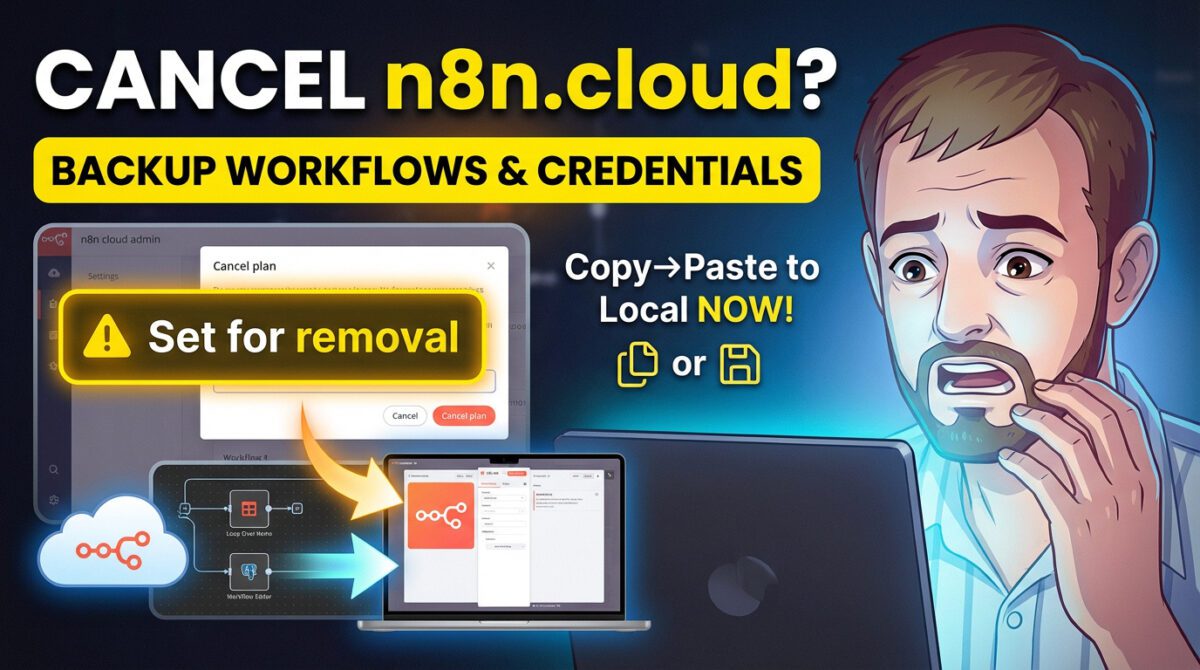
Once you cancel, a deletion timer starts. When your billing cycle ends, your workspace (workflows, credentials, logs) is permanently deleted. Back up now, then cancel.
Copy-paste method (fast)
Fast for individual workflows; follow these steps:
- Open the workflow in n8n Cloud
- Select all (Cmd/Ctrl+A) and copy (Cmd/Ctrl+C)
- In self-hosted, create a new workflow and paste (Cmd/Ctrl+V)
- Recreate and reassign credentials for any nodes showing warnings
Note: The structure and node configs copy over, but credentials do not.
JSON export (best for critical workflows)
- Open the workflow
- Use the three-dot menu → Download
- Store the JSON safely (e.g., GitHub, Dropbox)
- In self-hosted, use Import from File and upload the JSON
Always keep JSON exports as a durable backup, even if you also copy-paste.

Warning…
Credentials never transfer. Recreate API keys, OAuth tokens, and database connections manually in self-hosted. Budget time for this step.
Actually canceling your subscription
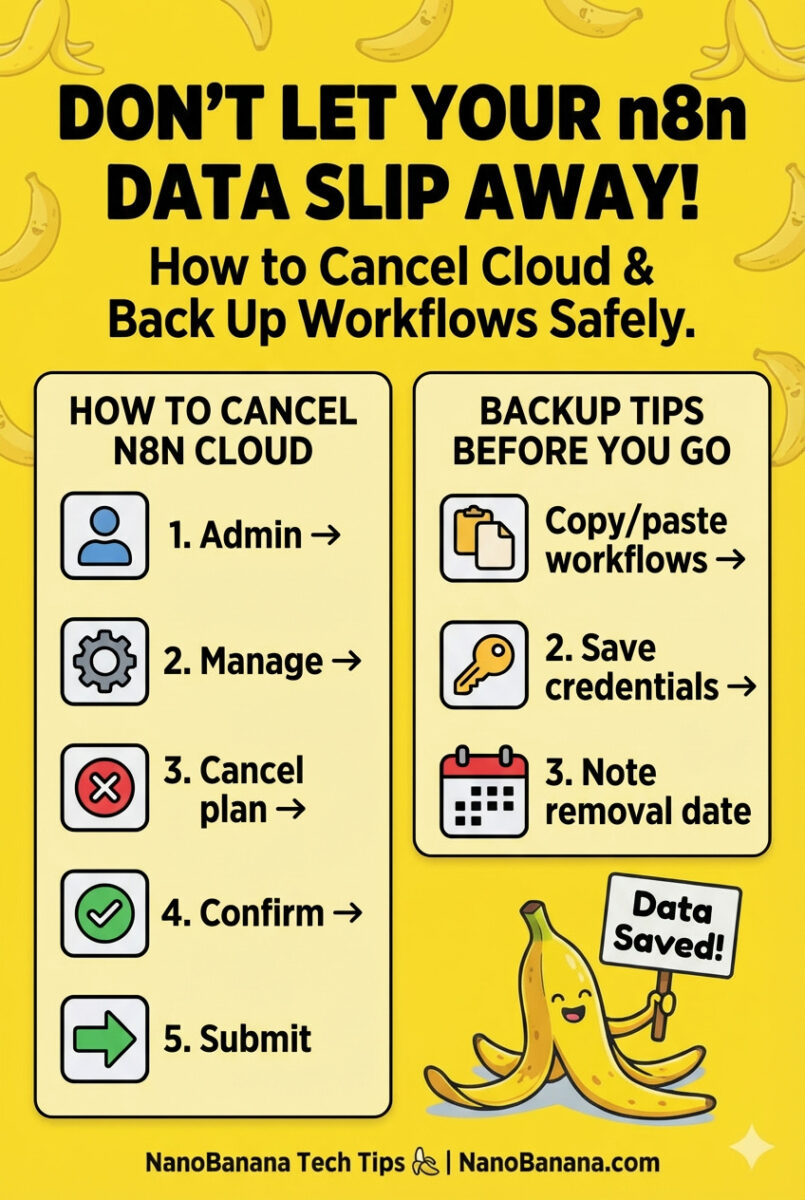
- Open the Admin Panel in n8n Cloud to view status and usage
- Go to Manage → Cancel plan
- Type "CANCEL" to confirm
- Click the green Cancel subscription button
- Optional: complete the exit survey (your cancellation is already processed)
What happens next
Right now: Status changes to "Set for removal on [date]" with a warning banner indicating the deletion deadline.
Until the billing cycle ends: Your instance continues running normally—you can edit workflows and execute tasks.
After the billing cycle ends: Your workspace is permanently deleted (workflows, credentials, execution history). No recovery.

Information
n8n boasts 44,000+ GitHub stars and a large community—expect abundant self-hosting guides, examples, and troubleshooting help.
Setting up self-hosted (cliff notes)
Docker on a VPS: Provision a $5–$10 VPS (DigitalOcean, Linode, Hetzner). Install Docker and run via docker-compose. Aim for 2GB+ RAM for production.
Self-hosting platforms: Coolify or Railway can deploy n8n with minimal ops, trading higher cost for simplicity.
Local Docker: Great for testing and development. For scheduled workflows, your machine must stay online.
Recreating credentials (the tedious part)
- In self-hosted, go to Settings → Credentials
- Click Add Credential and choose the integration
- Enter API keys, OAuth config, or DB connection details
- Save and test
- Open each imported workflow and assign the recreated credential to affected nodes
| Cloud Plan | Monthly Cost | Executions | Self-Hosted Equivalent | Potential Savings |
|---|---|---|---|---|
| Starter | $20 | 2,500 | $5-10 VPS (unlimited) | $10-15/month |
| Pro | $50 | 10,000 | $10-20 VPS (unlimited) | $30-40/month |
Do’s
- Back up workflows before canceling
- Export JSON for every critical workflow
- Test self-hosted before the deletion deadline
- Use PostgreSQL for production
Don’ts
- Don’t cancel before backing up
- Don’t assume credentials transfer
- Don’t forget to update webhook URLs
- Don’t rely on SQLite for serious workloads
Don’t make these mistakes
- Canceling before backing up your workflows
- Expecting credentials or execution logs to migrate
- Forgetting webhook URLs change on self-hosted
- Using SQLite in production instead of PostgreSQL
- Waiting until the last day to test your migration
Frequently asked questions (FAQ)
Yes. You can resubscribe before the deletion date and your workspace remains. After deletion, you must start fresh.
No. If you need historical data, export or screenshot it before canceling.
n8n uses the Sustainable Use License (fair-code). You can self-host and use it commercially for your own business but not resell n8n as a service without a license.
With Docker, pull the latest image and restart the container. Upgrades are typically smooth between versions.
Test your self-hosted instance end-to-end (including webhooks and credentials) well before the deletion deadline.
Bottom line
Canceling n8n Cloud is easy; preserving your work is what matters. Back up, export JSON, stand up self-hosted, recreate credentials, and test thoroughly—then cancel.
Once you switch, you’ll enjoy unlimited executions and full control over your automation stack.
Sources and references