Sora AI Walkthrough: Real, Unfiltered First Look

Sora AI walkthrough: An honest look at the interface, storyboard workflow, upload limits, and video settings. Tips to avoid failures and optimize generations.

Spread the love
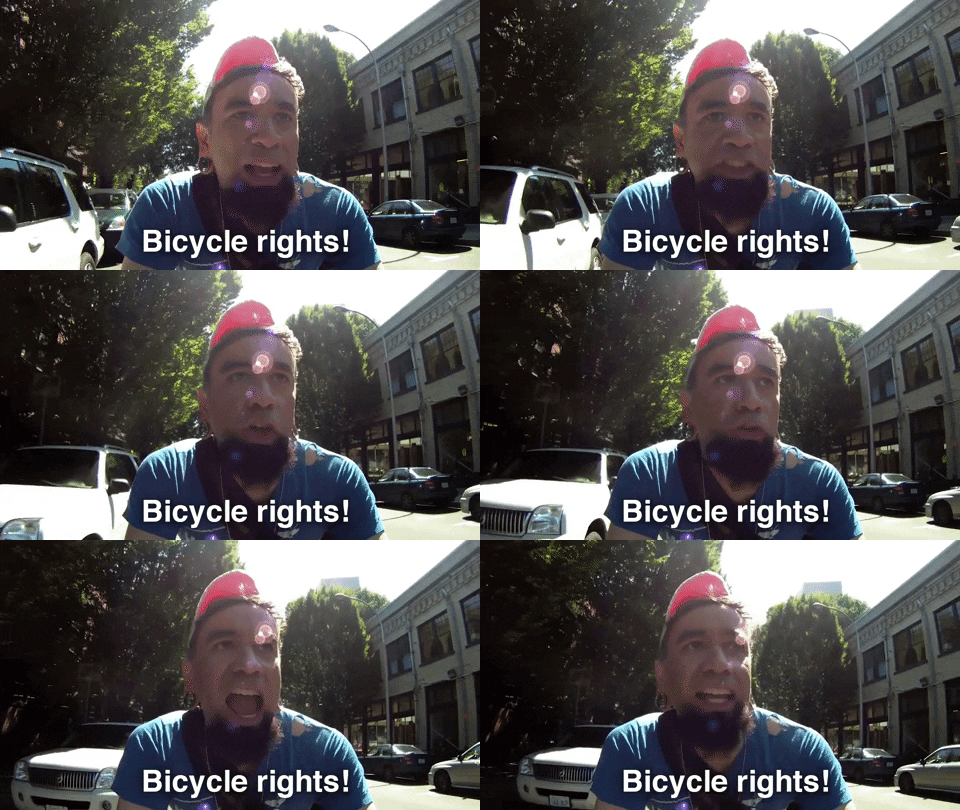
Bikers rights gif via giphy
"bikers rights" portlandia gif via giphy

TL;DR:

  • The Sora interface is clean and dark-themed with a sidebar; but Recent vs. Saved vs. Favorites is confusing and raises privacy questions.
  • Uploads with people are blocked on some accounts to prevent deepfakes; failed generations don’t cost credits.
  • The Storyboard feature delivers real directorial control with shot-by-shot sequencing and timed prompts.
  • Video generation starts at 5s in 480p with options up to 720p/1080p, and you get two variations per generation.
{“content”:”

I finally got access after ages of refreshing—servers kept choking from demand—so I hit record and started clicking around with zero preparation. 🤙

This is not a slick, rehearsed demo; it’s me fumbling through menus, guessing what buttons do, and figuring out Sora’s interface in real time. If you’ve been stuck on the waitlist, this is your honest Sora AI walkthrough. 👀

And yeah, I made some wrong guesses along the way—that’s kind of the point.

https://www.youtube.com/watch?v=CRK7niL6580

Your first look at Sora’s AI video generation capabilities

TL;DR

Getting Past the Login Wall

I kept hitting errors and timeouts while creating an account—the demand was intense—even though the login flow (Google, Microsoft, Apple) is straightforward.

Sora interface overview with video thumbnails and login hints
Your first look at sora's ai video generation capabilities

When I finally slipped in, the relief was real, and the takeaway is it’s not you—it’s everyone else trying to log in at the same time.

\"Warning

Warning

Heads up: Keep trying during off-peak hours; there’s no official waitlist and server capacity is strained, so access is about luck and persistence.

The Sidebar: Where Everything Lives (and Confuses You)

Library is your home base (All Videos, Favorite Videos, Uploads, New Folders), which made sense immediately.

But Recent, Featured, and Saved got confusing—was Recent my work or a public feed of everyone’s videos?

Recent vs. Saved vs. Favorites

What I Expected

  • Recent = my recent creations
  • Saved and Favorites = same thing
  • Clear privacy settings for public vs. private

What I Found

  • Recent = a feed of other users’ videos
  • Saved seems for others’ work; Favorites for mine
  • No obvious toggle for public vs. private

Featured looked hand-picked and curated, but the Saved vs. Favorites naming could use clearer labels.

Uploads: The Deepfake Prevention Wall

After agreeing to the consent policy, I hit a notice: “Your account does not currently support creating videos with uploaded media containing people.”

They’re serious about deepfake prevention: uploads with identifiable people fail to generate—but you won’t lose credits.

I pivoted from a real person photo to a picture of Santa (festive and fictional), which sailed through content checks.

\"Info

Did You Know?

Account-level restrictions may be lifted for verified or enterprise users later; for now, stick to objects, landscapes, illustrations, or fictional characters.

Many AI video tools now enforce anti-deepfake policies after high-profile incidents—see TechCrunch’s coverage: industry-wide response.

Creating Your First Video: Settings and Options

I entered a Santa prompt and landed on a generation settings panel with resolution, duration, variations, and input type.

SettingOptions AvailableWhat I Chose
Resolution480p, 720p, 1080p480p (fastest)
Duration5s, 10s, 20s10 seconds
Variations1–4 per generation2 variations
Input TypeText, Image, or BothText only
Sora video generation settings as seen during my first session

The resolution slider uses a clever icon series that visually communicates quality jumps as you scale up.

Duration starts at just 5 seconds, and longer clips may cost more credits or be tier-locked.

Choosing two variations is smart—AI is unpredictable, so options beat endless re-rolls.

The tooltip nails prompting: “Less text = more surprises; more text = more control.”

Presets like Stop Motion, Archive, Film Noir hint at a future with a deep, customizable style library.

The Storyboard Feature: This Is the Real Power

Clicking Storyboard reveals tools to define actions, sequence, and timing for each shot along a timeline.

The Storyboard feature is the standout that gives true directorial control.

Instead of praying a single clip nails it, you break ideas into shots, write prompts per segment, and control pacing.

I sketched a cozy Christmas scene and refined captions—the bones are powerful even if a bit early and clunky.

Fun fact: Storyboarding dates to the 1930s at Walt Disney—Sora modernizes a 90-year-old workflow.

The Results: What the AI Actually Generated

The Santa clips were spot on from text alone, with smooth motion and coherent composition.

Even at 480p and 5–10 seconds, the quality impressed and avoided the usual “flesh spaghetti” weirdness.

\"Success

Success!

Good news for experimenters: failed generations (like people-detection blocks) don’t charge credits, so you can test boundaries safely.

FAQ

Do you ever feel overwhelmed while trying to navigate a new platform, worry about uploading the wrong content, and just wish for a straightforward experience? 🤔

Frequently Asked Questions

Sora uses a credit-based system via ChatGPT Plus/Pro, with costs varying by resolution, duration, and variations; Plus users get a monthly allocation.

Expect 5–20 second clips depending on tier; for longer content, stitch multiple clips—Storyboard helps you plan sequences.

It’s a deepfake prevention measure; some accounts block people-detection uploads. Failed attempts don’t consume credits.

It’s a browser-based web app; it loads on mobile, but the UI (sidebar, timeline) is best on desktop.

Yes—export as MP4 files; save to your Library first, then download and organize into folders.

It’s unclear right now; the Recent feed shows others’ videos, so review terms before posting sensitive work.

Final Thoughts

I’m genuinely excited by Sora—the UI is clean, outputs are strong even at low res, and Storyboard feels built for real creators.

The aggressive anti-deepfake stance seems necessary, and the credit system is fair enough—especially not charging for failed runs.

Questions remain about privacy and organization (Recent feed, Saved vs. Favorites, preset expansion), and I’ll keep testing.

Sources

Sources and References

  1. OpenAI Sora official page
  2. Runway ML Storyboard feature documentation
  3. Runway ML pricing and credit system
  4. Runway ML video generation documentation
  5. TechCrunch coverage of AI video safety measures
  6. Wikipedia — Storyboard history
“}

Leave a Comment

Frequently asked questions (FAQ)

LiaisonLabs is your local partner for SEO & digital marketing services in Mount Vernon, Washington. Here are some answers to the most frequently asked questions about our SEO services.

SEO (Search Engine Optimization) is the process of improving your website's visibility in search engines like Google. When potential customers in Mount Vernon or Skagit County search for your products or services, SEO helps your business appear at the top of search results. This drives more qualified traffic to your website—people who are actively looking for what you offer. For local businesses, effective SEO means more phone calls, more foot traffic, and more revenue without paying for every click like traditional advertising.

A local SEO partner understands the unique market dynamics of Skagit Valley and the Pacific Northwest. We know the seasonal patterns that affect local businesses, from tulip festival tourism to agricultural cycles. Local expertise means we understand which keywords your neighbors are searching, which directories matter for your industry, and how to position your business against local competitors. Plus, we're available for in-person meetings and truly invested in the success of our Mount Vernon business community.

SEO is a long-term investment, and most businesses begin seeing meaningful results within 3 to 6 months. Some quick wins—like optimizing your Google Business Profile or fixing technical issues—can show improvements within weeks. However, building sustainable rankings that drive consistent traffic takes time. The good news? Unlike paid advertising that stops the moment you stop paying, SEO results compound over time. The work we do today continues delivering value for months and years to come.

SEO pricing varies based on your goals, competition, and current website health. Local SEO packages for small businesses typically range from $500 to $2,500 per month, while more comprehensive campaigns for competitive industries may require a larger investment. We offer customized proposals based on a thorough audit of your website and competitive landscape. During your free consultation, we'll discuss your budget and create a strategy that delivers measurable ROI—because effective SEO should pay for itself through increased revenue.

Both aim to improve search visibility, but the focus differs significantly. Local SEO targets customers in a specific geographic area—like Mount Vernon, Burlington, Anacortes, or greater Skagit County. It emphasizes Google Business Profile optimization, local citations, reviews, and location-based keywords. Traditional SEO focuses on broader, often national rankings and prioritizes content marketing, backlink building, and technical optimization. Most Mount Vernon businesses benefit from a local-first strategy, though many of our clients combine both approaches to capture customers at every stage of their search journey.

Absolutely! SEO and paid advertising work best as complementary strategies. Google Ads deliver immediate visibility and are great for testing keywords and driving quick traffic. SEO builds sustainable, long-term visibility that doesn't require ongoing ad spend. Together, they create a powerful combination—ads capture immediate demand while SEO builds your organic presence over time. Many of our Mount Vernon clients find that strong SEO actually improves their ad performance by increasing Quality Scores and reducing cost-per-click, ultimately lowering their total marketing costs while increasing results.