
I’m sure you’ve heard of Screaming Frog, the go-to SEO tool for website audits and data extraction. But have you ever wondered how to maximize its potential and focus your crawl on a specific subfolder?
Fear not. Today I’ll share with you my way of subfolder exclusively with the screaming frog SEO crawling tool. Let’s get started.
How to crawl a subfolder with Screaming Frog
Screaming Frog is a powerful SEO tool that allows users to crawl websites and gather valuable data to improve their search engine optimization efforts. In addition to crawling the main domain of a website, Screaming Frog can also be used to crawl specific subfolders.
Crawling a subfolder with Screaming Frog can provide insights into the content and structure of that section of the website, helping to identify issues and opportunities for improvement. Here is a step-by-step guide on how to crawl a subfolder with Screaming Frog.
-
Understand the Subfolder
Before we dive in, it’s essential to understand the subfolder you want to crawl. A subfolder is simply a directory within your website that holds specific content, such as blog posts, images, or product pages. Once you’ve identified the subfolder you want to crawl, take note of its URL structure. It will look something like this:
https://www.example.com/subfolder/. -
Prepare Screaming Frog SEO Tool
First things first: you’ll need to have the Screaming Frog SEO Spider installed on your computer. If you haven’t already, download it from the Screaming Frog website and install it. Once you have the tool installed, open it up and take a moment to familiarize yourself with the interface.
-
Configure Your Crawl
Now, the fun begins. To configure the crawl to focus only on the subfolder, follow these steps:
1. Go to the ‘Configuration’ menu in the upper left corner of the Screaming Frog 2. interface.
3. Select ‘Spider’ from the dropdown menu.
4. Click the ‘Advanced’ tab.
5. Check the box that says ‘Crawl Outside of Start Folder.’
6. Click ‘OK’ to close the settings window. -
Sharpen Your Focus – Set Up the Inclusion Filter
With the basic configuration done, it’s time to set up the inclusion filter to ensure that Screaming Frog crawls only the desired subfolder. Here’s how:
1. Go back to the ‘Configuration’ menu.
2. Select ‘Include’ from the dropdown menu.
3. Click ‘Add’ to create a new inclusion rule.
4. Enter the subfolder’s URL structure using regex. For example, if your subfolder’s URL ishttps://www.example.com/subfolder/, you’d enter^https?://www\.example\.com/subfolder/.* (without the quotes).. Click ‘OK’ to save the inclusion rule.
5 -
Start Your Crawl
Now you’re all set to start your subfolder crawl. Simply enter your website’s domain in the ‘Enter URL to spider’ bar and click ‘Start.’ The Screaming Frog SEO Spider will now only crawl the specified subfolder and its contents.
What to do after the crawl is complete
Once the crawl is complete, you can analyze the data, find broken links, identify duplicate content, and perform other essential SEO checks within the subfolder. Remember, it’s all about working smarter, not harder.
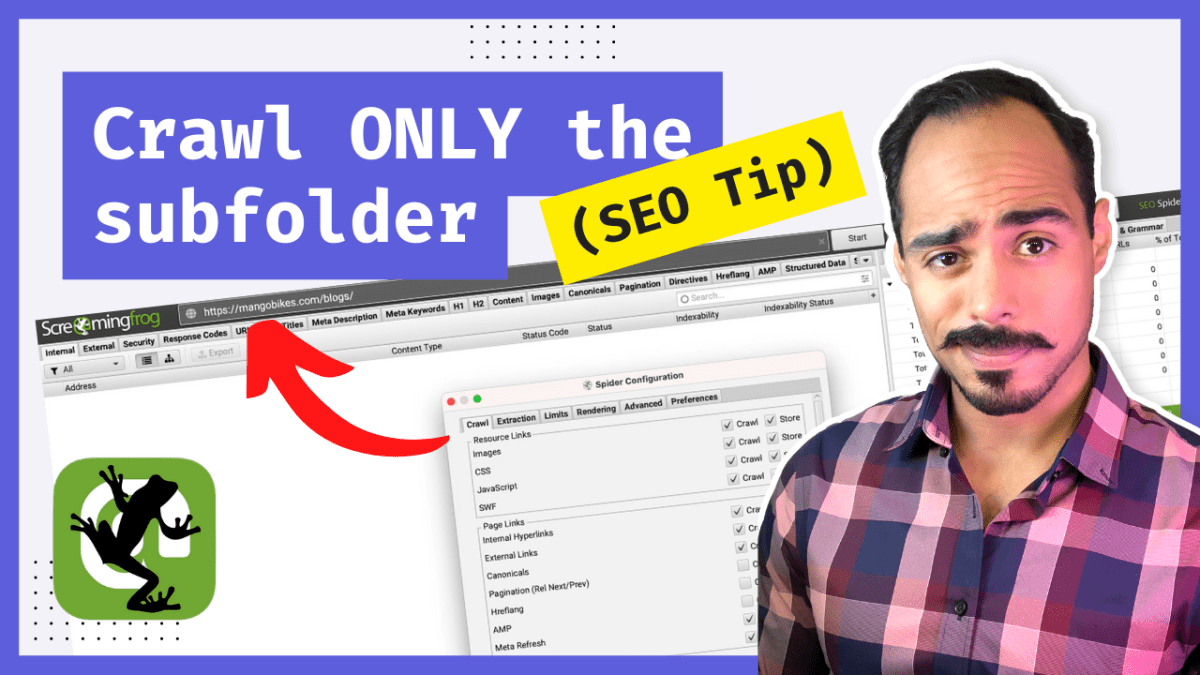
And there you have it! By following these simple steps, you’ll be crawling subfolders like a pro, saving time and resources. So go ahead, give your website the SEO boost it deserves, and keep experimenting with the Screaming Frog SEO Spider to uncover more powerful features.
Are you a visual learner? Then, check out my video below, titled “How to crawl ONLY the subfolder with Screaming Frog | SEO tutorial,” from my YouTube channel, as I show you all this firsthand.
Frequently asked questions (FAQ)
Do you still have questions? Below are some of the most commonly asked questions about Screaming Frog.
Can Screaming Frog crawl JavaScript-based websites?
Yes, Screaming Frog can crawl and render JavaScript-based websites. With JavaScript rendering enabled, Screaming Frog will be able to crawl and extract data from websites that rely on JavaScript for content display.
How can I increase the speed of the crawl using Screaming Frog?
Yes. To increase the crawl speed in Screaming Frog, follow these steps:
a. Open the Screaming Frog SEO Spider tool.
b. Go to the ‘Configuration’ menu in the upper left corner of the interface.
c. Select ‘Speed’ from the dropdown menu.
d. Use the slider to increase the number of URLs crawled per second (up to the maximum allowed for your license).
e. Click ‘OK’ to save the new settings.
Note that increasing the crawl speed may put more load on your computer and the server hosting the website. Be cautious not to increase the speed too much to avoid overwhelming your system or the target server.
How can I export my crawl data from Screaming Frog?
Exporting crawl data from Screaming Frog is simple. Once the crawl is complete, follow these steps:
a. In the Screaming Frog SEO Spider interface, select the tab that contains the data you want to export (e.g., ‘Internal,’ ‘External,’ ‘Response Codes,’ etc.).
b. Click the ‘Export’ button located in the lower right corner of the interface.
c. Choose a location on your computer to save the exported file.
d. Click ‘Save.’
The crawl data will be exported as a CSV file, which can be opened in spreadsheet software like Microsoft Excel or Google Sheets for further analysis.
Conclusion
That concludes this article. What do you think? Let me know in the comments below (I read and reply to every comment). If you found this helpful, check out my full blog and subscribe to my YouTube channel. Thanks for reading!